
A Comprehensive Guide on How to Choose a Laptop

Laptops have become an essential tool for work, school, and entertainment. Whether you’re a student, a professional, or just someone who needs a reliable device for everyday use, choosing the right laptop can be a daunting task. With so many brands, models, and features to consider, it’s easy to get overwhelmed. That’s why we’ve put together this comprehensive guide to help you choose the perfect laptop for your needs. In this article, we’ll cover everything from performance and design to battery life and price. By the end of this guide, you’ll be equipped with the knowledge and tools you need to make an informed decision and find the laptop that’s right for you. So, let’s get started!
1. Purpose
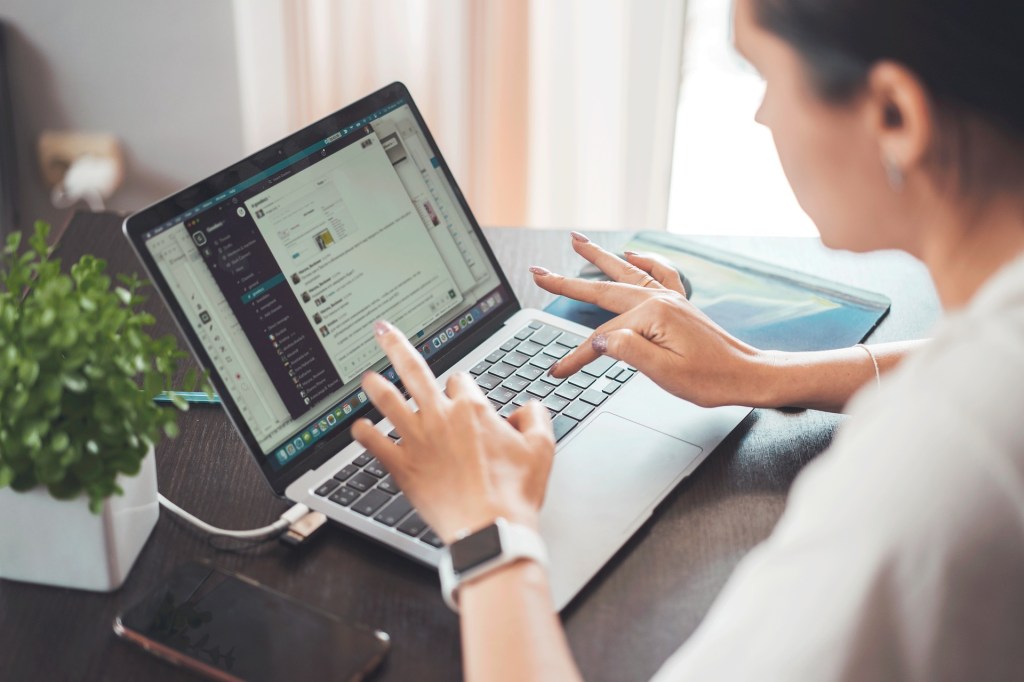
Before you start looking for a laptop, it’s important to determine what you will be using it for. Are you a student who needs a laptop for note-taking and research? Are you a graphic designer who needs a laptop with a high-performance graphics card? Are you a gamer who needs a laptop with a powerful processor and dedicated graphics card? Or are you a professional who needs a laptop for work-related tasks such as video editing, coding, or data analysis? Once you determine your purpose, it will be easier to choose a laptop that meets your needs.
2. Operating System
The operating system is the software that runs on your laptop, and there are three main options to choose from: Windows, macOS, and Chrome OS. Windows is the most popular operating system, and it offers a wide range of software and hardware options. macOS is exclusive to Apple laptops, and it offers a simple and intuitive user interface. Chrome OS is a lightweight operating system that is designed for web-based applications and is commonly found on Chromebooks.

3. Size and Portability
The size of the laptop is an important factor to consider. If you’re looking for a laptop that is easy to carry around, you might want to choose a smaller size, such as an 11-inch or 13-inch laptop. However, smaller laptops often have less powerful hardware and a smaller battery life. If you’re looking for a laptop with more power and a longer battery life, you might want to choose a larger size, such as a 15-inch or 17-inch laptop. Keep in mind that larger laptops are often heavier and bulkier, which can make them less portable.

4. Display
The display is another important factor to consider. If you’re a graphic designer or a gamer, you might want to choose a laptop with a high-resolution display and a high refresh rate. If you’re a student or a professional, a laptop with a standard 1080p display might be sufficient. You should also consider the brightness and color accuracy of the display, especially if you work with color-sensitive applications.

5. Processor
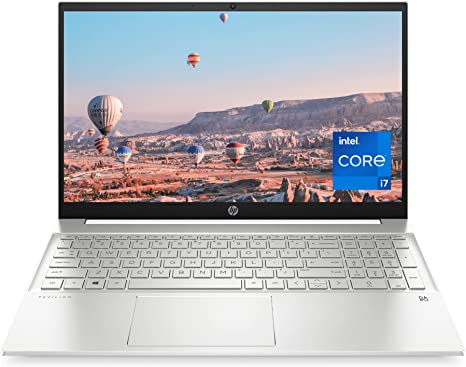
The processor is the brain of the laptop, and it determines how fast your laptop can perform tasks. Intel and AMD are the two main processor manufacturers, and each has a wide range of processors with different levels of performance. If you’re a casual user who only needs a laptop for basic tasks such as web browsing and word processing, a lower-end processor such as an Intel Core i3 or AMD Ryzen 3 might be sufficient. If you’re a power user who needs a laptop for intensive tasks such as video editing or gaming, a higher-end processor such as an Intel Core i7 or AMD Ryzen 7 might be necessary.
6. Memory (RAM)
RAM is the temporary storage that your laptop uses to run programs and applications. The more RAM your laptop has, the more programs it can run simultaneously. If you’re a casual user, 4GB of RAM might be sufficient. If you’re a power user, 8GB or more of RAM might be necessary.

7. Storage
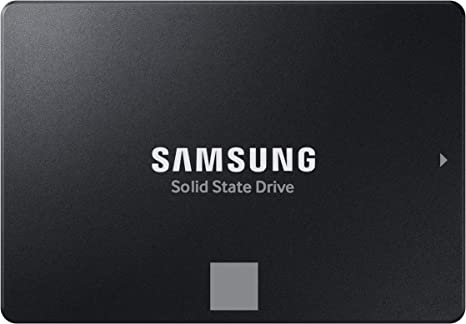
The storage is where your laptop stores all of your files, documents, and applications. There are two main types of storage: hard disk drive (HDD) and solid-state drive (SSD). HDDs are slower and less reliable than SSDs, but they offer more storage space for a lower cost. SSDs are faster and more reliable than HDDs, but they are more expensive and offer less storage space. If you’re a casual user who doesn’t need to store a lot of files, a laptop with a smaller SSD (around 128GB or 256GB) might be sufficient. If you need more storage space, you might want to choose a laptop with a larger SSD (around 512GB or 1TB) or an HDD with a higher storage capacity.
8. Graphics
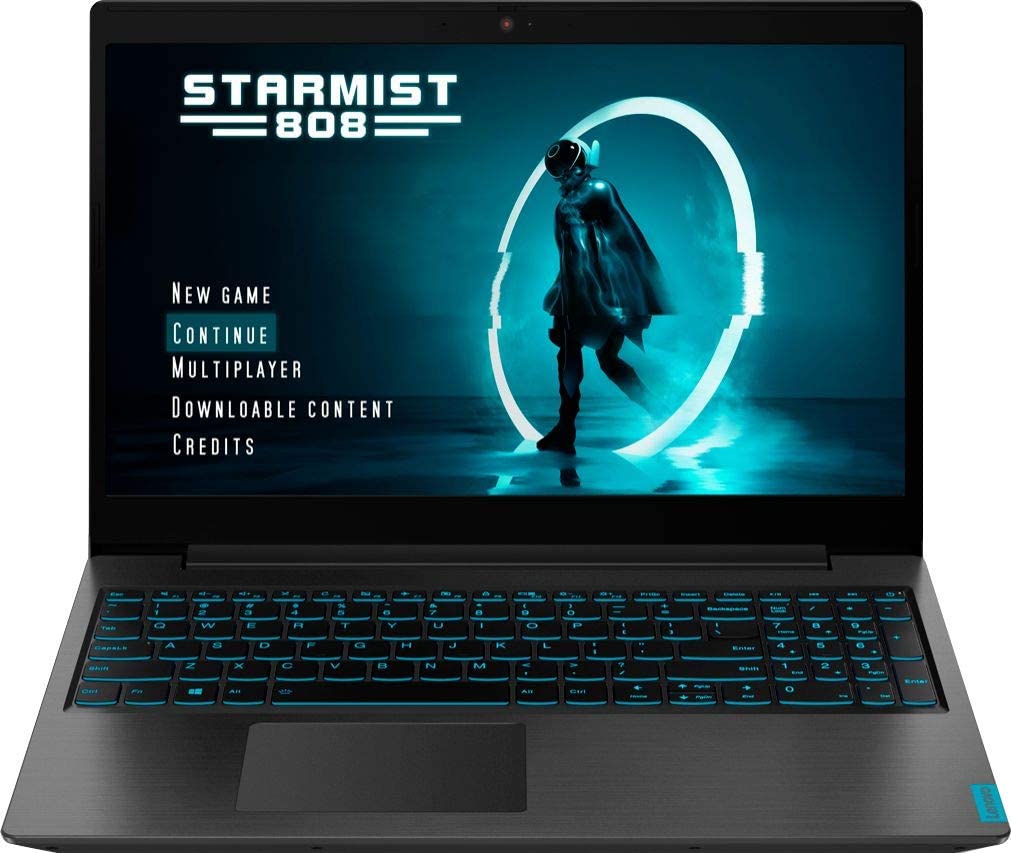
If you’re a gamer or a graphic designer, you might want to choose a laptop with a dedicated graphics card. A dedicated graphics card offers better performance than an integrated graphics card, which is built into the processor. NVIDIA and AMD are the two main graphics card manufacturers, and each has a wide range of graphics cards with different levels of performance.
9. Battery Life
Battery life is an important factor to consider, especially if you need to use your laptop on the go. The battery life of a laptop depends on many factors, such as the size of the battery, the brightness of the display, and the performance of the processor. If you need a laptop with a longer battery life, you might want to choose a laptop with a larger battery or a processor with lower power consumption.

10. Price
Finally, price is an important factor to consider when choosing a laptop. Laptops can range from a few hundred dollars to several thousand dollars, depending on the specifications and features. It’s important to determine your budget and choose a laptop that fits your needs and budget. Keep in mind that cheaper laptops often have lower specifications and may not perform as well as more expensive laptops.

In conclusion, choosing the right laptop requires careful consideration of your needs and budget. By considering factors such as the purpose, operating system, size and portability, display, processor, memory, storage, graphics, battery life, and price, you can narrow down your options and choose a laptop that meets your needs and budget. It’s also a good idea to read reviews and compare different models before making a final decision. With the right laptop, you can work, learn, and play with ease and convenience.
 Book Movie Technology Reviews Fitness Wellness Health Tips